Home▸Videos▸Claude Certified Architect Exam Prep: Free Sample Lesson
Claude Certified Architect exam prep: a free sample lesson
The first three minutes of Session 1, agentic loops, from the Claude Certified Architect exam prep course: how an agent decides what to do next, explained on a real support example.
Transcript
Hook
A customer asks, "Can I get a refund for order four four two?" The agent looks up the order, and then it stops. No policy check, no answer. The model did nothing wrong. The loop around the model was written badly. Today we learn how an agentic loop really works, and why the code, not the wording of a reply, decides when the agent is finished.
The question and the goal
Here is the question for this session. The agent stops as soon as its reply contains the word done. What is wrong with this loop? Keep it in mind. By the end, you can write an agent loop driven by stop_reason, return tool results correctly, and choose the simplest workflow pattern that does the job.
What an agent loop is
An agent is a model that uses tools in a loop. Your code sends the conversation and the list of tools. Claude replies. Sometimes the reply is a final answer. Sometimes it is a request to use a tool, such as look up order. Your code runs that tool, sends the result back, and calls Claude again. The loop continues until Claude has what it needs. Claude decides which tool to call next. Your code runs the tools and keeps the conversation.
Reading stop_reason
Every reply carries a field called stop_reason. When it says tool_use, Claude wants one or more tools to run. When it says end_turn, Claude has finished its answer. So the loop is simple. Call the model. Add its reply to the conversation. If the stop reason is tool use, run the tools and go round again. If it is end turn, stop and show the answer. Other stop reasons, such as reaching the token limit, need their own handling, not a silent stop.
Sending tool results back
Each tool request has its own ID. When your code runs the tool, it sends back a tool_result block with that same ID, inside a user message. If Claude asked for two tools at once, both results go back together, each with its own ID. Keep the whole conversation, including Claude's tool requests. If you drop them, Claude loses track of what it asked for. If a tool fails, send the error back as the result, so Claude can try another way or explain the problem.
Pause and answer
Pause and answer. Claude's reply has stop_reason tool_use. What should your code do next? Take a moment. The answer: Run the requested tools and send each result back with its matching ID, then call Claude again.
More videos
 How Samir GenAI Academy Works: 6 Features in 2 Minutes2:28
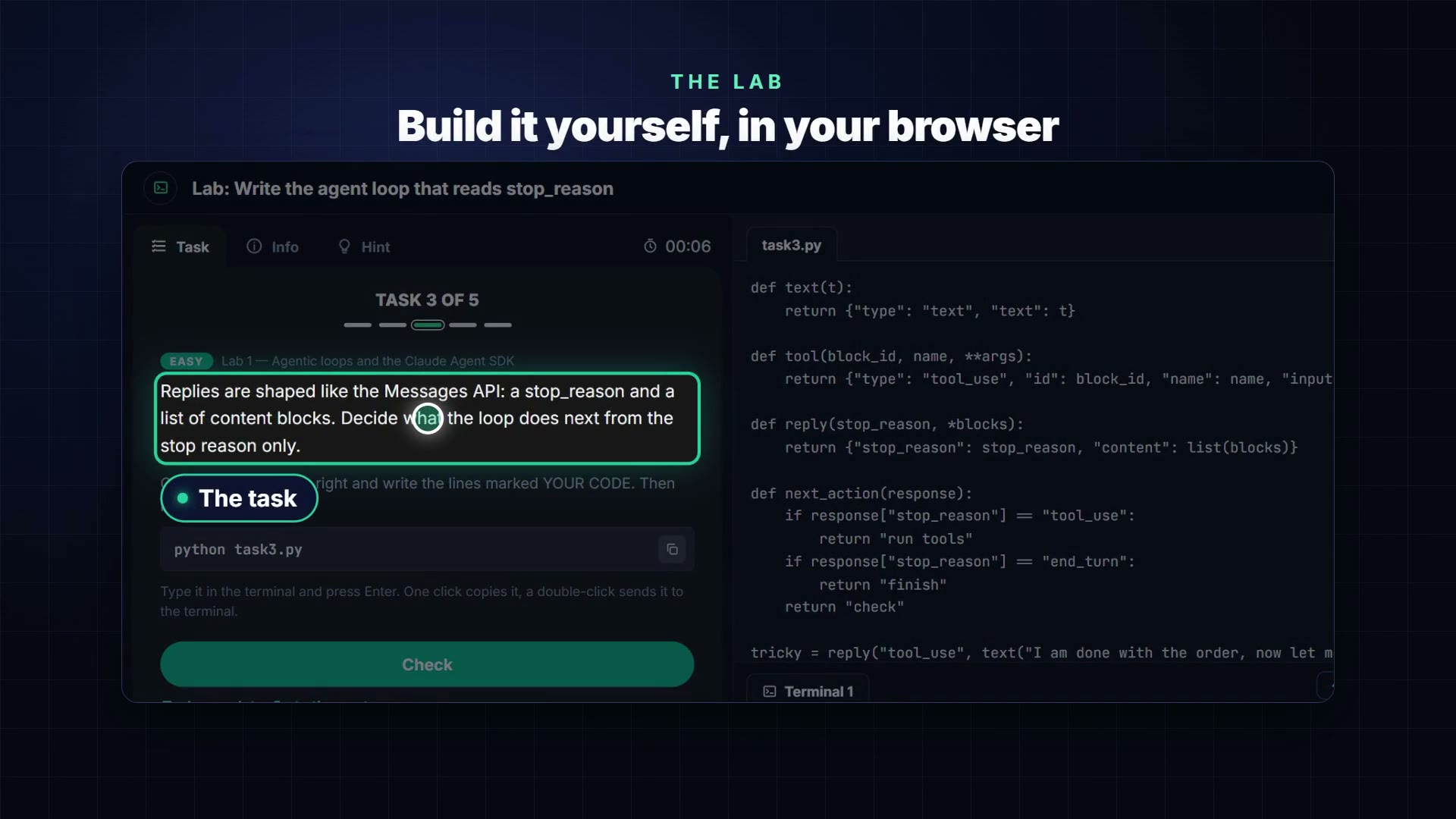 A Tour of All Four AI Courses: Lessons, Labs, Interview Coach2:48
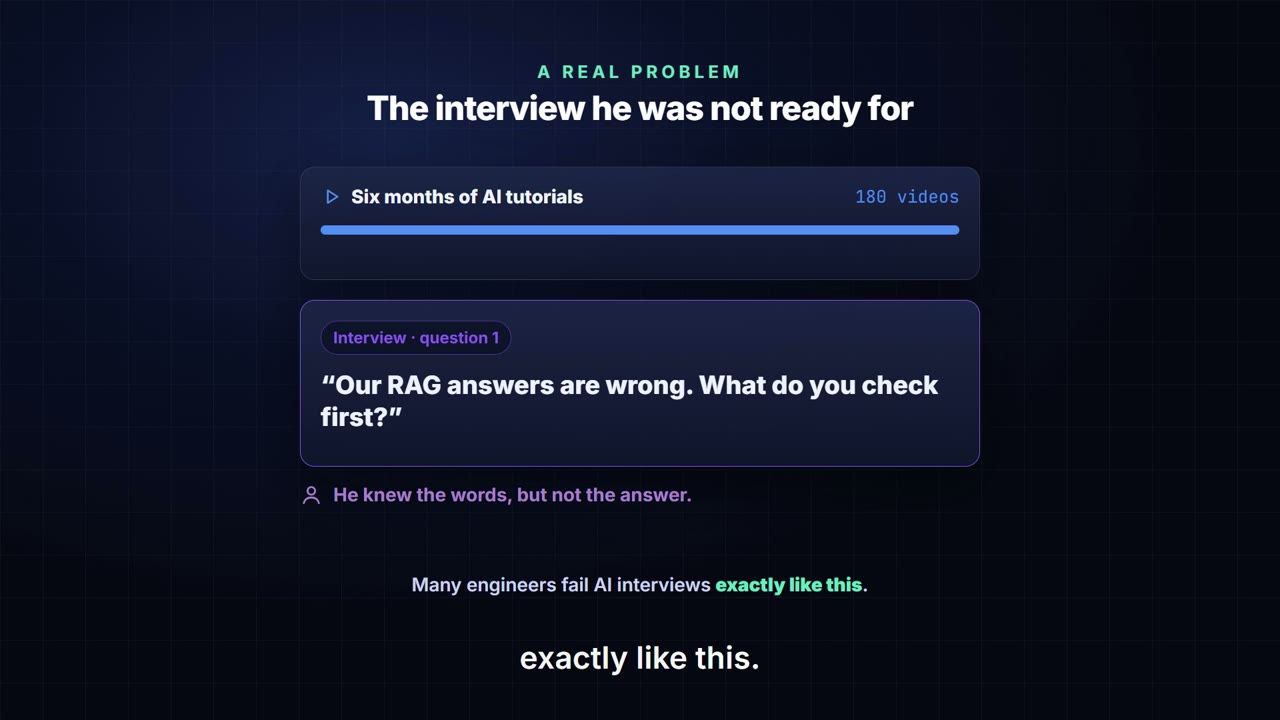 AI Engineer Interview Prep: The Course in Two Minutes2:22
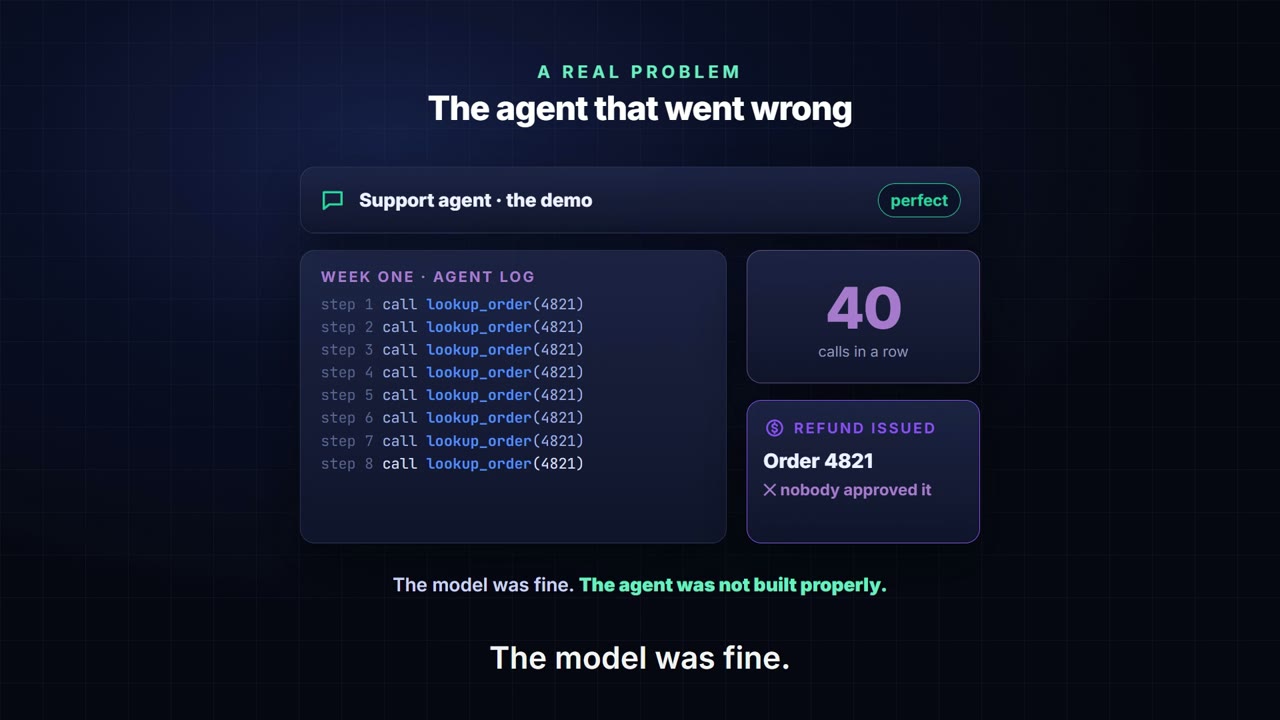 AI Agent Developer Course: The Course in Two Minutes2:23
 Forward Deployed Engineer (FDE) Course: The Course in Two Minutes2:39
 Mastering AI: Samir GenAI Academy Introduction3:40